Happy birthday GIF maker: make your own
A birthday GIF made from your own video says more than any stock GIF. Film the candles, the cake or the hug, add your message, and send it.
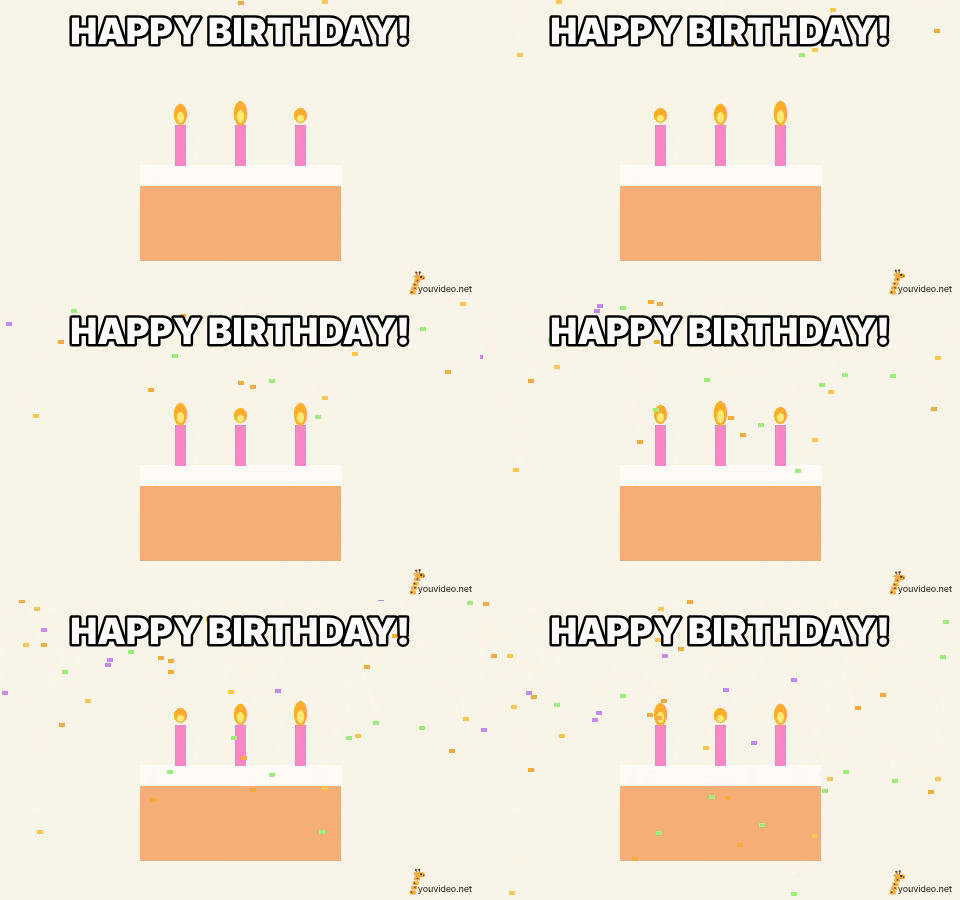
How to do it, step by step
- Open YouVideo and choose your birthday clip.
- Type your message in Text on top, for example HAPPY BIRTHDAY SARAH!, at the top or the bottom.
- Press Make GIF then Share it, or press Make video to keep the sound.
Why it is different here
- Slow motion makes blowing out the candles look epic: choose Speed 0.5x.
- Boomerang makes a cheers or a jump loop forever.
- Nothing is uploaded. Your file is read and converted by your own browser, on your phone or computer. It works even in airplane mode once the page has loaded.
- Free, no account. A tiny nodding giraffe signs your file in the corner; untick one box and there is no watermark at all.
- Works on iPhone, Android and computer, in the browser: no app to install.
Questions
How do I make a happy birthday GIF with a name?
Type the name in your caption: HAPPY BIRTHDAY plus the name. It is drawn on every frame of your GIF.
Can I send it on WhatsApp?
Yes: on your phone, press Share under the result and pick WhatsApp. If the GIF is big, make a video instead: it is much lighter.
Is my video uploaded?
No. Everything happens in your browser, on your own device.
Open YouVideo · GIF to video · Compress a video · Reverse a video · Meme GIF maker · New Year GIF · Photo to 3D GIF · Christmas GIF · Halloween GIF · Thanksgiving GIF · Valentine's Day GIF · Contact us · Privacy